If you’re new to email marketing, sending your first campaign can feel overwhelming. But with Mailozar’s simple, AI-powered tools, the entire process becomes quick, smooth, and beginner-friendly.
In this guide, you’ll learn exactly how to create and send campaigns, even if you’ve never done it before. You’ll also find screenshot placeholders, FAQs, and tips to help you get started confidently.
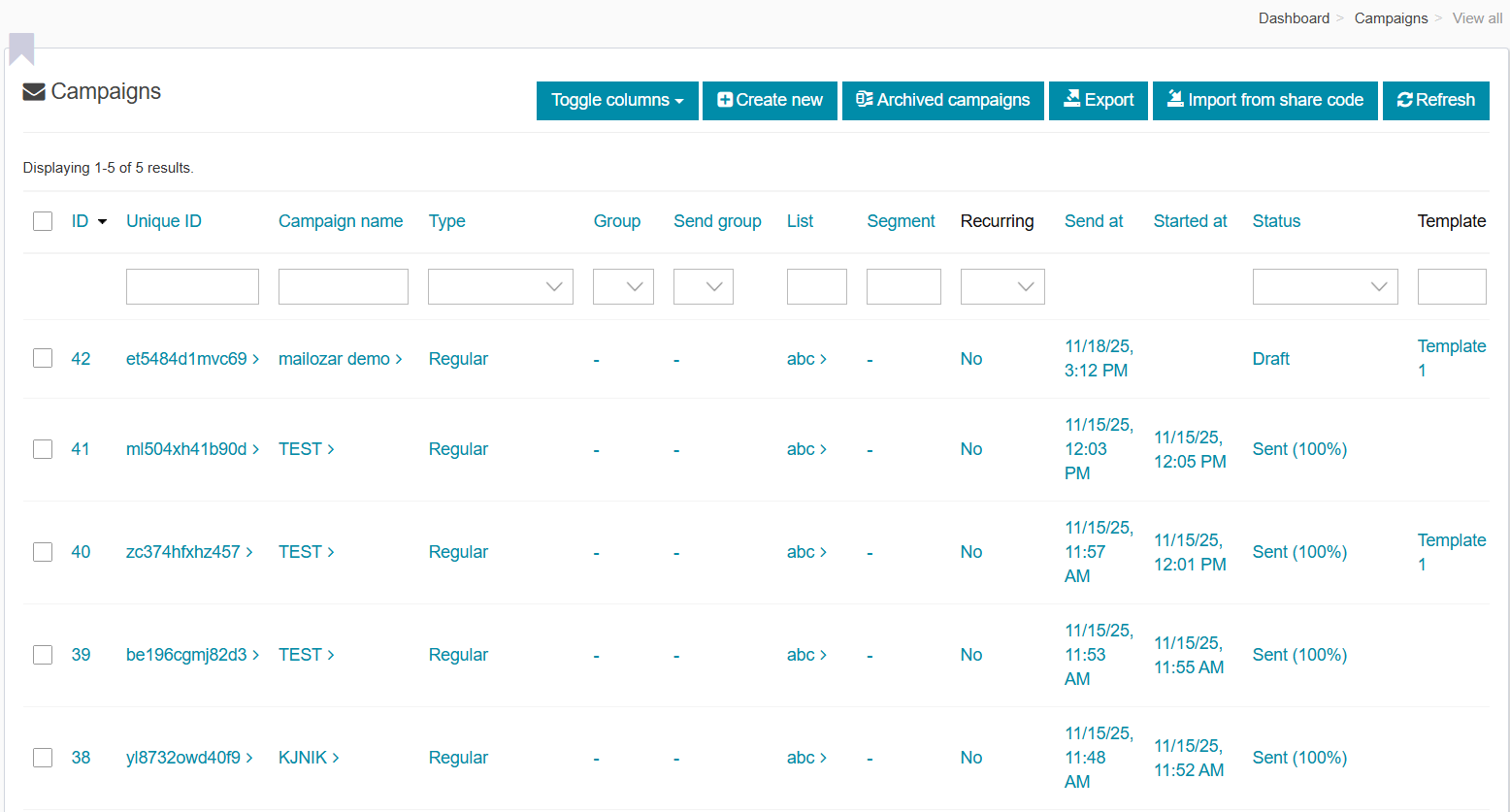
To send a campaign on Mailozar:
Go to Campaigns → Create New → Set Up Your Email → Add Content → Choose Audience → Send or Schedule.
You can import contacts via CSV, use AI to write content, and monitor performance in the dashboard.
Why Send Campaigns With Mailozar? (Key Benefits)
Mailozar makes email marketing easy, even for complete beginners. Here’s what you get:
-
- AI-powered content writing for faster newsletters
-
- Beautiful templates to speed up design
-
- Automated email flows to nurture customers
-
- High deliverability with custom domain setup
-
- Real-time analytics to track opens, clicks & conversions
-
- Beginner-friendly UX with step-by-step assistance
If you’re just starting out, Mailozar helps you go from zero to sending campaigns in minutes—not hours.
Step-by-Step Process: How to Send Your First Email Campaign
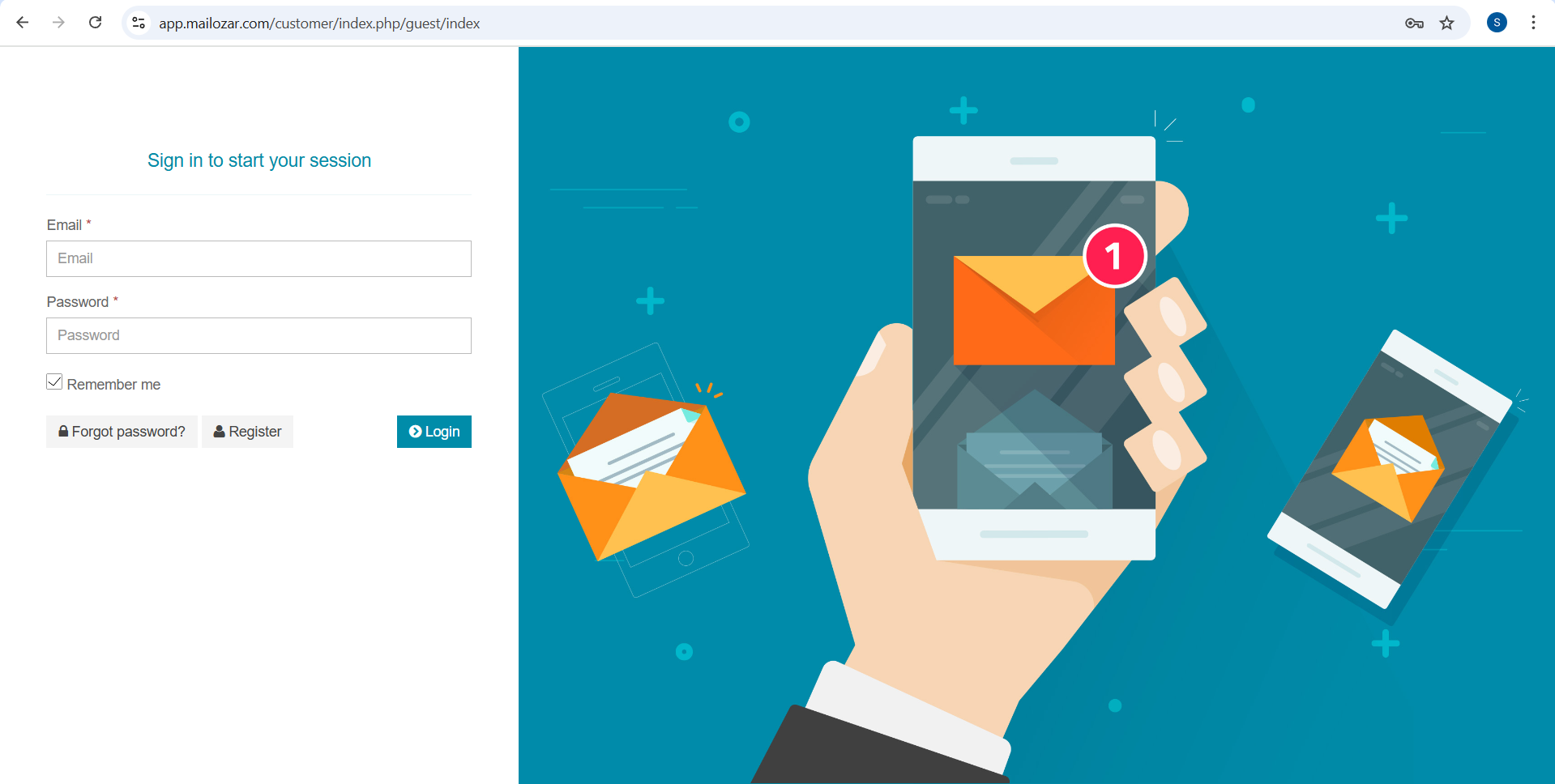
Step 1: Sign Up or Log In
Visit the Mailozar login page: https://www.app.mailozar.com/customer/index.php/guest/index
Create a free account or log in if you already have one.
Step 2: Go to “Campaigns”
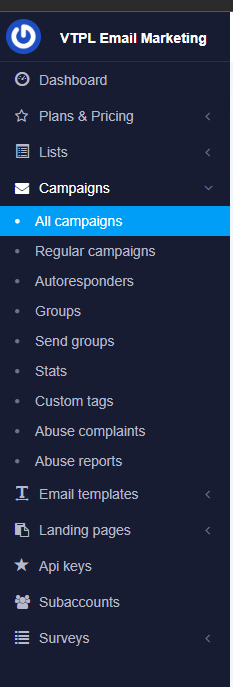
Once you’re inside the dashboard:
-
- Look at the left-hand menu
-
- Click Campaigns
-
- Select Create New
This is where every new email journey begins.
Step 3: Enter Your Campaign Details
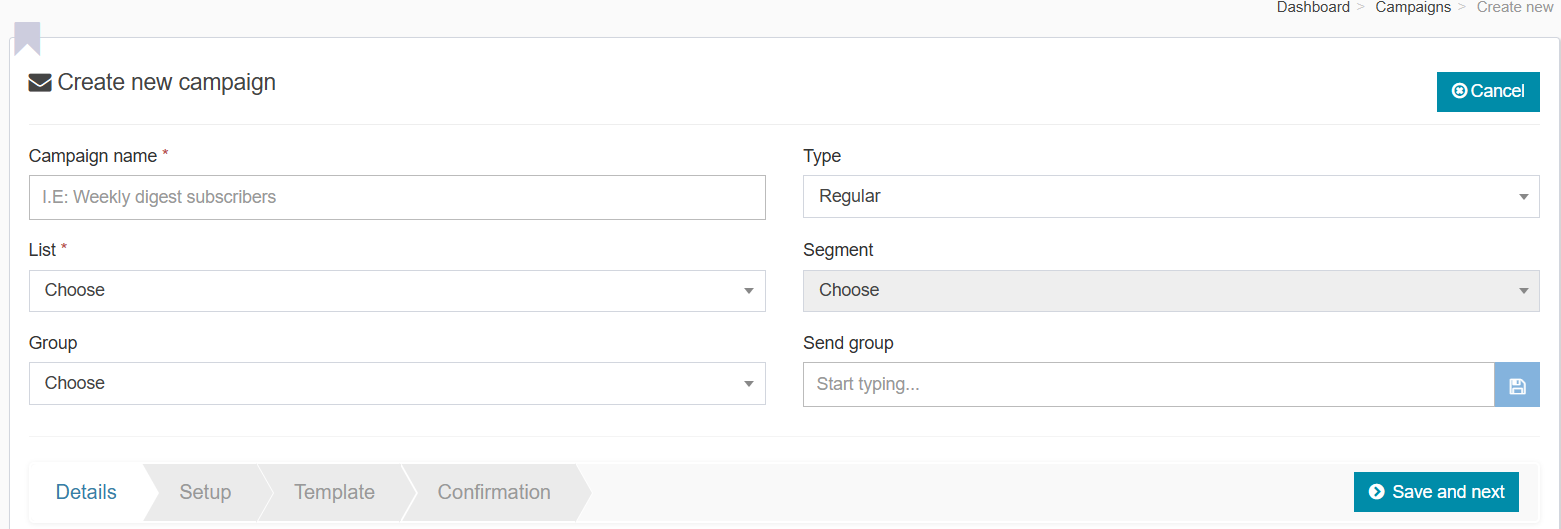
On the Setup page, you’ll fill in the basics:
-
- Campaign Name (internal reference only)
-
- Choose your list
Pro Tip: Use AI to generate subject lines that boost open rates
Step 4: Add Content Using AI or Templates
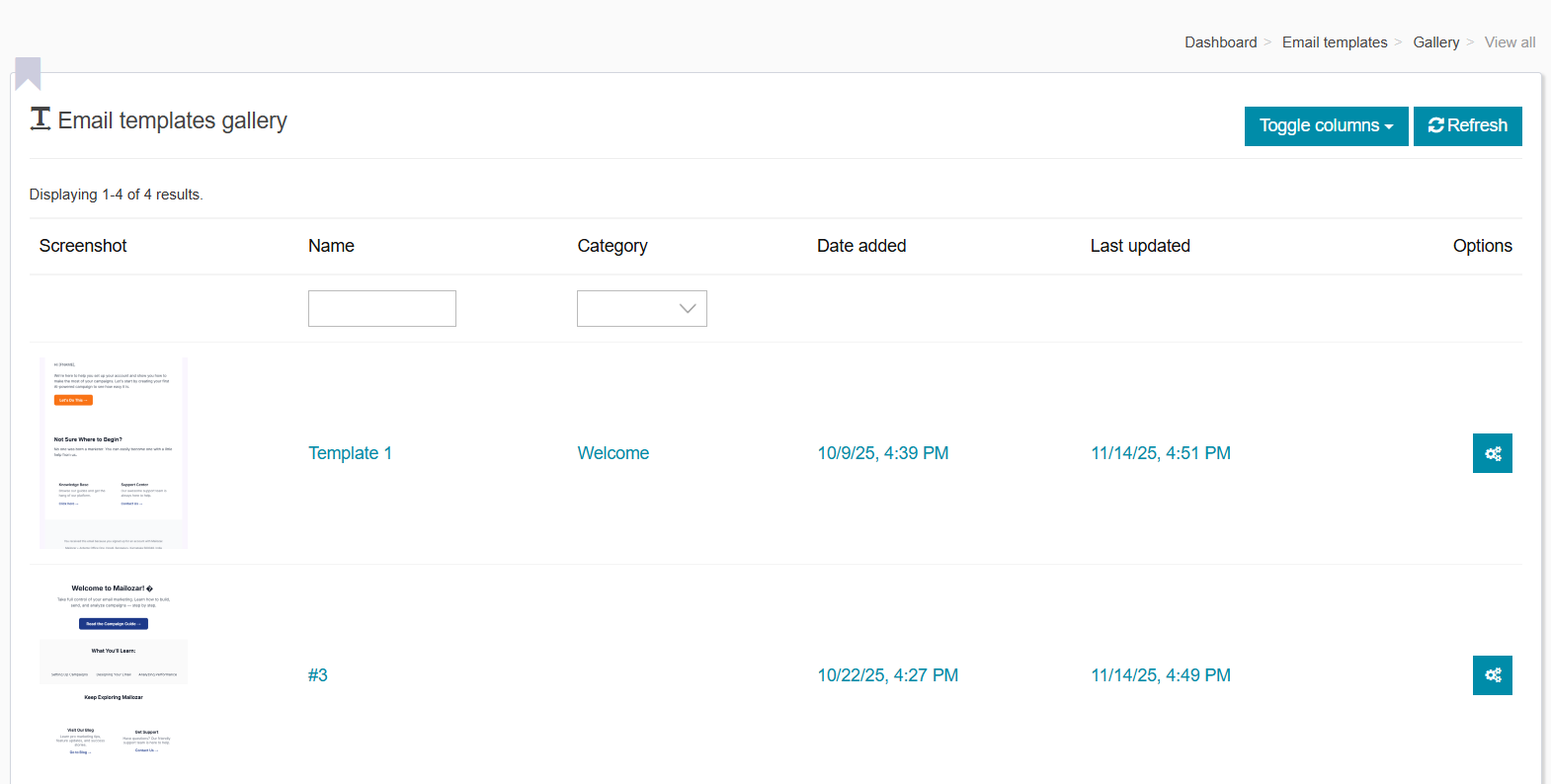
You now enter the Content Editor.
You can:
-
- Write your own email
-
- Use AI Content Writer for instant copy
-
- Select a pre-designed template
-
- Add images, buttons, CTAs, and branding
AI Writing Example:
“Write a friendly welcome email introducing my brand to new subscribers.”
Step 5: Choose Your Audience
Select the subscriber list you want to send to.
You can also import your list:
-
- Upload CSV
-
- Add contacts manually
-
- Create segments for targeted campaigns
CSV upload is the fastest and cleanest method.
Step 6: Send or Schedule Your Campaign
Mailozar gives you two options:
Send Now
Perfect for urgent promotions and newsletters.
Schedule for Later
Ideal for:
-
-
Time-zone based sending
-
-
-
Product launches
-
-
-
Workflow automation
-
Congrats—you’ve just launched your first email campaign!
Pro Tips for Better Email Campaigns
-
- Keep your subject lines short and clear
-
- Focus on 1 message per email
-
- Add a strong CTA
-
- Use images sparingly
-
- A/B test subject lines and content
-
- Personalize wherever possible
Even beginners can see fast results by following these small yet powerful optimizations.
FAQs – Quick Answers for Beginners
1. Do I need technical skills to send campaigns?
No—Mailozar is designed for complete beginners. Everything is click-based.
2. Can I import my existing contacts?
Yes, via CSV upload or manual entry.
3. Does Mailozar provide email templates?
Absolutely. Choose from pre-built templates or create your own.
4. How do I improve deliverability?
Verify your sender email and set up domain authentication (SPF, DKIM).
5. Can I automate sequences?
Yes—Mailozar supports automated flows and triggers.
Conclusion
Sending email campaigns doesn’t have to be complicated. With Mailozar’s AI tools, intuitive dashboard, and clean workflow, even first-time users can create professional campaigns in minutes.
Whether you’re promoting a new product, sending newsletters, or welcoming new subscribers—Mailozar ensures your message reaches the right audience at the right time.
 Ready to Send Your First Campaign?
Start your free trial and launch your first campaign today!
Let Mailozar handle the heavy lifting—so you can focus on growing your business.